


Everything Kreosus can do
See what Kreosus offers for collecting support, publishing, thanking supporters on stream and getting paid, each with its real screen.
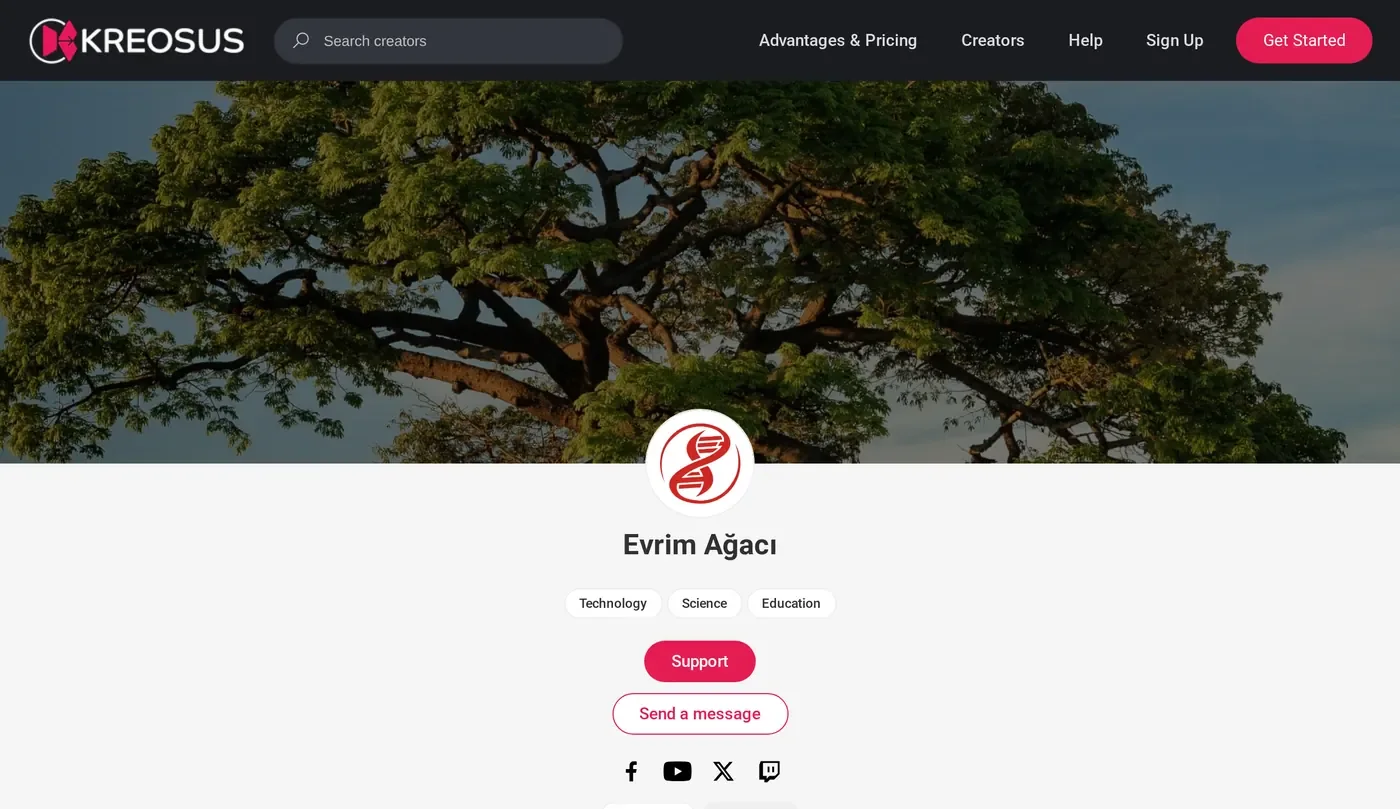
For supporters
If you support a creator, this part is for you. Checkout takes a few steps and everything about your membership is in your account.
- Your Own Amount
- The Tier It Reaches
- What You Get
- Access End Date
- Continue With a Lower Amount
- New Card Becomes the Default
- New Post
- New Podcast Episode
- Card Expiry Notice
- Renews on Its Start Day
- Added October 2026
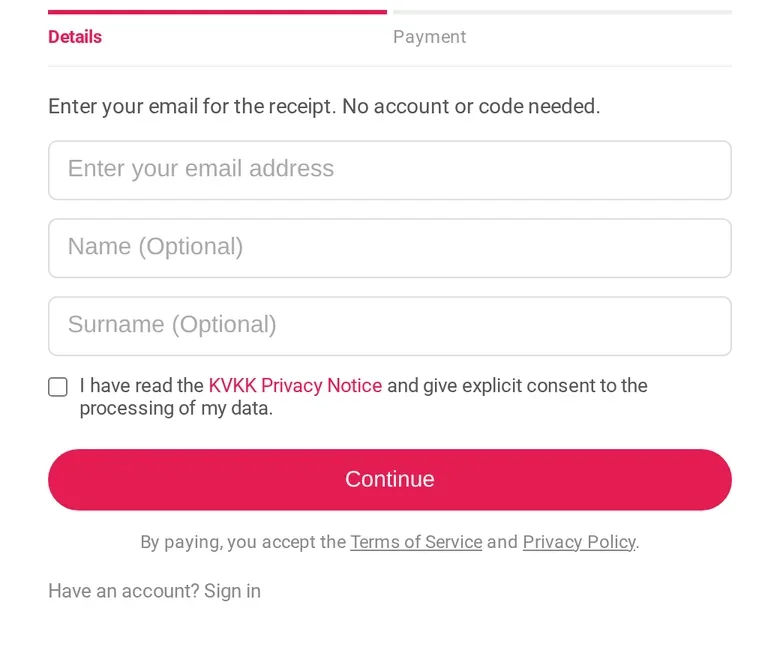
One-Time Support Without an Account
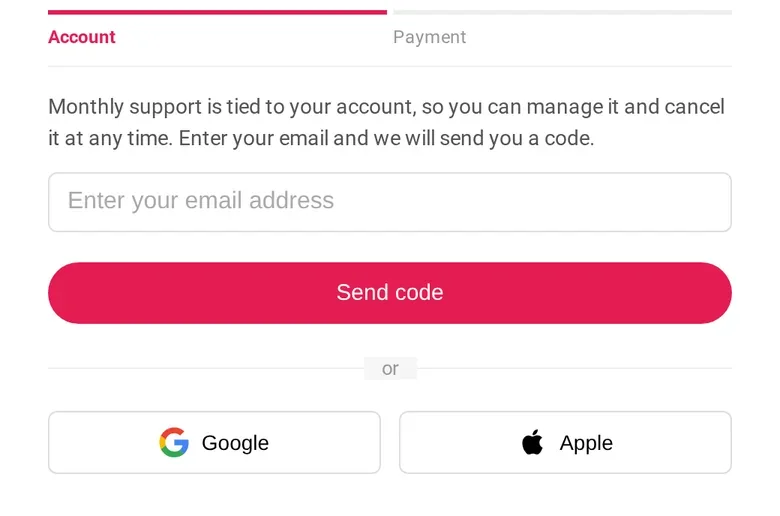
Give one-time support with just your email address. Your name is optional. If you want an account, you can open it after payment with a code sent to your email.
- Added November 2026
An Email Code Instead of a Password, Plus Apple Pay and Google Pay
Sign in at checkout with a 6-digit code sent to your email. One-time support can be paid with Apple Pay and Google Pay. Checkout also works inside the Instagram, Facebook and TikTok browsers.
- Your Own Amount
- The Tier It Reaches
- What You Get
Added November 2026See Which Tier Your Amount Reaches
When you type your own amount, you see which tier it reaches and what you get before you pay.
- Access End Date
- Continue With a Lower Amount
- New Card Becomes the Default
Added November 2026You Manage Your Membership
When you cancel monthly support, you keep access until the end of the period you paid for. My Subscriptions shows the date your access ends. If your budget is tight, you can continue with a lower amount.
- New Post
- New Podcast Episode
- Card Expiry Notice
- Renews on Its Start Day
Added November 2026Notifications and Reminders
You get a notification when a creator you support shares a new post, video or podcast episode. We email you before your card expires. Monthly support renews on the day it started.
For creators
Open your page, set your tiers and start sharing. Posts, podcasts, chat and statistics live in the same panel.
- Reply as Your Page
- Access by Tier
- Priority Messages
- PDFs in Chat
- Traffic
- PDF Report
- Monthly Summary Email
Your Page, Tiers and Goals
Set up monthly tiers, let supporters choose their own amount and set shared goals with them. You can run several creator pages from one account.
Posts for Supporters Only
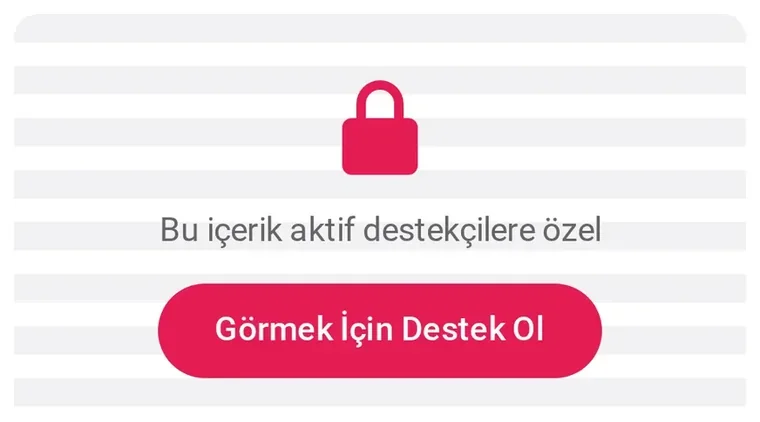
Publish posts for your supporters only. Save drafts, edit after publishing and schedule visibility by tier and time. You can attach up to 3 PDFs to a post.
- Added November 2026
Podcast Hosting
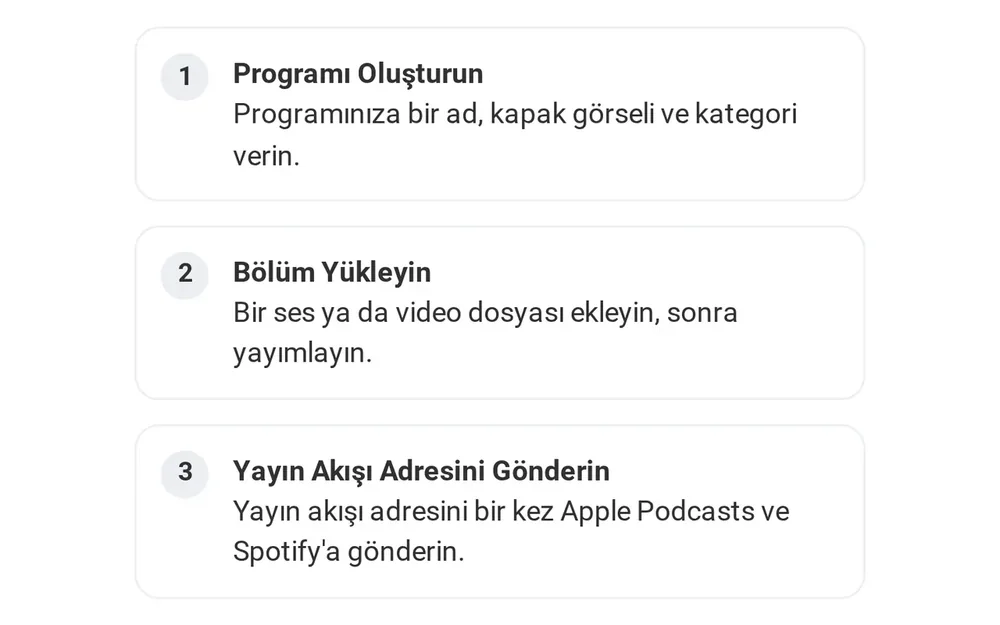
Host your podcast here. Podcast apps read it through a standard RSS feed. When you make episodes for supporters only, each supporter gets a private feed for their podcast app.
- Reply as Your Page
- Access by Tier
- Priority Messages
- PDFs in Chat
Live Chat With Supporters
Reply to supporters as your page. Set access and priority by tier. You can also send PDFs in chat.
- Traffic
- PDF Report
- Monthly Summary Email
Statistics and Reports
The Statistics page shows your supporters, your income and how many times your profile was opened. You can download the report as a PDF, and you get a summary email every month.
OBS tools for streamers
Five OBS overlays, one link each. Add the link to OBS as a browser source. A new supporter shows up on your stream as soon as the payment completes.

22 creator profiles use the OBS overlaysAs of 15 Nov 2026
Support Alert
Shows each new support on screen with the supporter's name and amount.
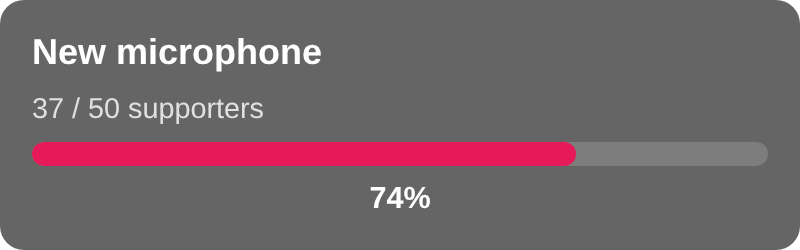
Goal Bar
Shows viewers how close you are to your goal.
Top Supporters
Lists your top supporters in order.
Recent Supporters
Shows the latest support with how long ago it arrived.
Supporter Counter
Keeps your supporter count on stream.
For your site and app
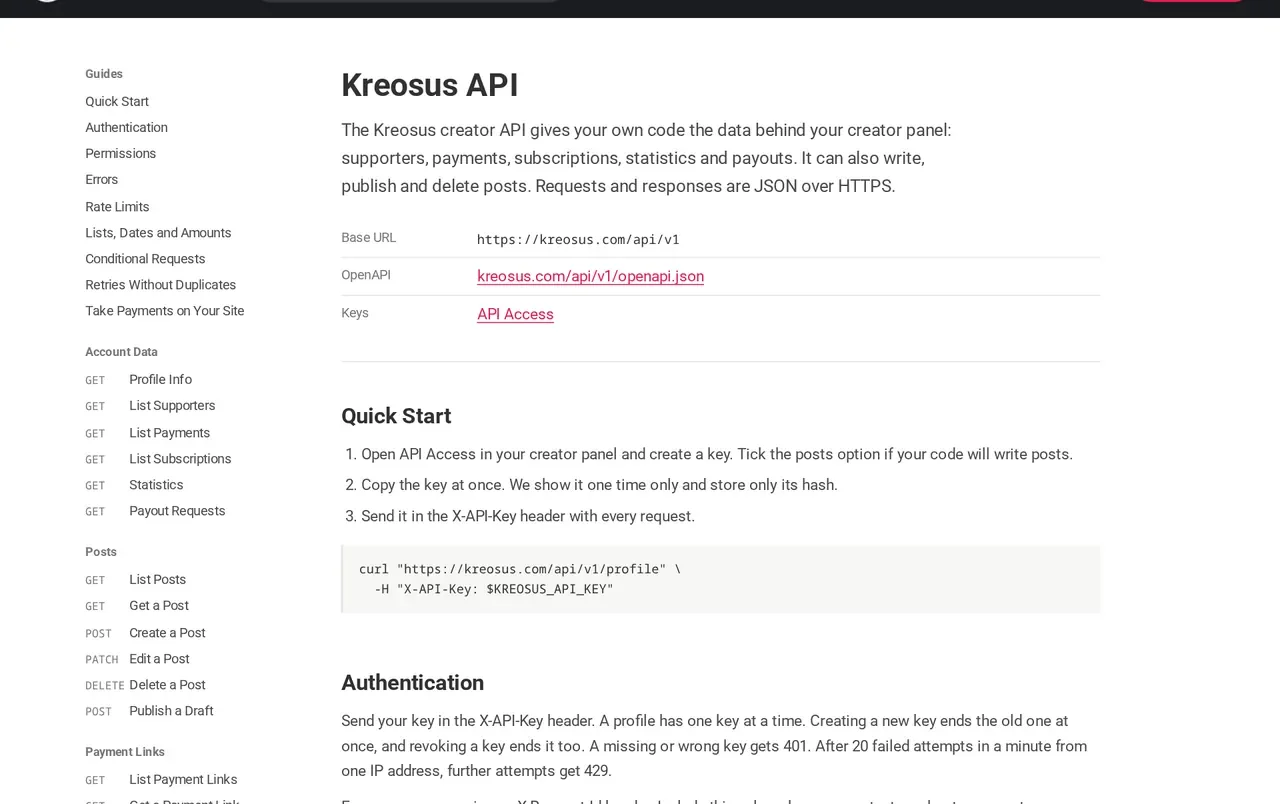
Bring support to your own site. Embed the support module, add a badge and pull your data into your own tools with the API.

- Support With Kreosus
- Fixed Amount
- One-Tap Confirmation
Embed the Support Module
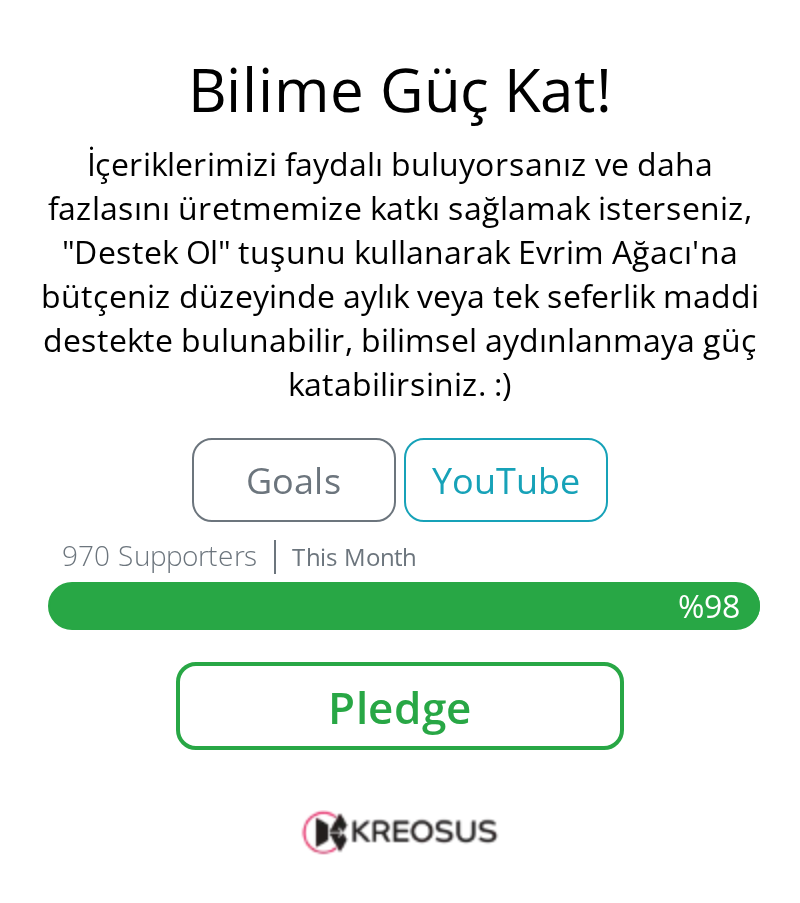
Put the support module on your own site with one line of code. The support card comes in light and dark themes.
- Added October 2026
Support Badge and Button
Add a support badge to your site, blog or README. Paste your Kreosus link anywhere that supports oEmbed and the card appears by itself.
- Support With Kreosus
- Fixed Amount
- One-Tap Confirmation
Added November 2026Payment Links
Create a fixed-amount payment link and share it on your site with a “Support With Kreosus” button. A supporter with a saved card confirms in one tap.
- Added November 2026
Connect Your Site
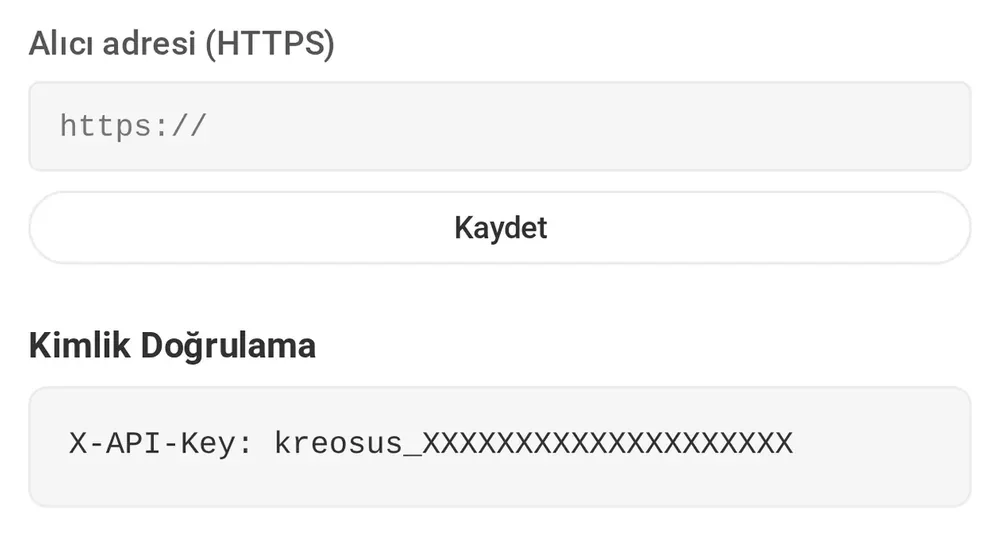
Once your site is connected, your site or app can ask whether a reader supports you without seeing the amount. Third-party apps can also offer sign-in with a Kreosus account.
Creator API and Webhooks
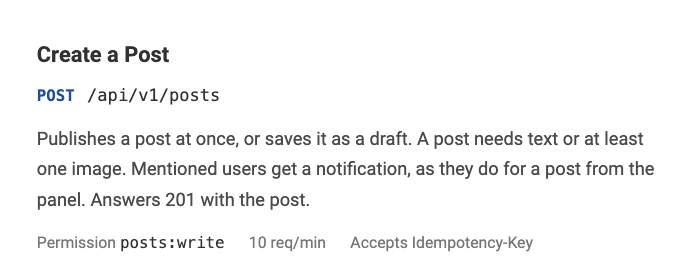
Use the Creator API to pull your supporter, payment, subscription, statistics and payout data and to publish posts. Signed webhooks notify your system of new events.
Payouts
You withdraw your earnings to your bank account with a payout request. Create it yourself or let us create it for you.
- ID Document
- Liveness Selfie
- Phone Verification
- Total
- Transfer Fee
- Net Amount
- Added October 2026
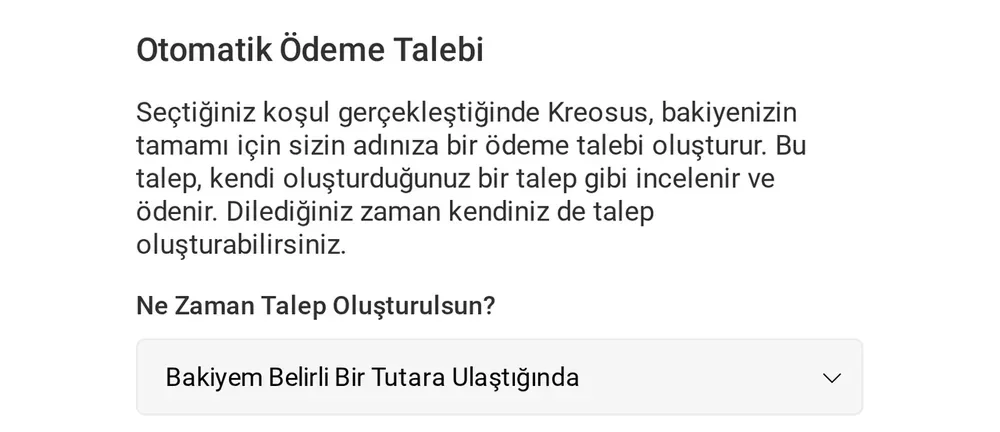
Automatic Payout Requests
When your balance reaches the amount you chose, or on the day of the month you picked, we create a payout request for your full balance. Eligible requests are paid automatically by bank transfer.
- Added November 2026
Bank Detail Checks
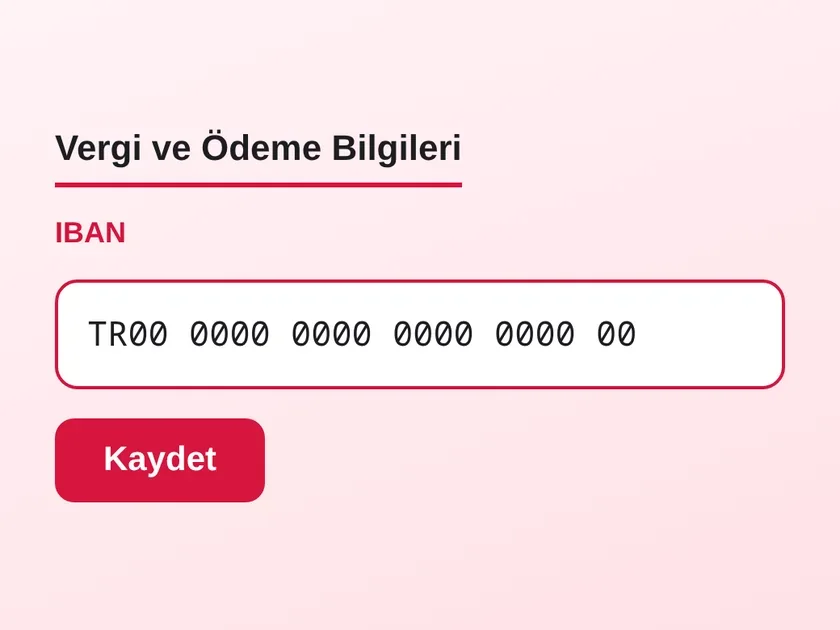
We check your bank details when you save them and when you request a payout. We show you each field that needs fixing.
- ID Document
- Liveness Selfie
- Phone Verification
Identity Verification
You verify your identity once before your first payout. The form marks each required field you missed. It applies to creators in every country.
- Total
- Transfer Fee
- Net Amount
Added November 2026Clear Payout Emails and a New International Method
Payout emails show the total, the transfer fee and the net amount. We added a new international option to the payout methods for creators abroad.
Apps and sign-in
You can sign in to Kreosus without typing a password. Pages open on the phone as completely as on the desktop.
- Fingerprint or Face
- Two-Factor Authentication
- Backup Codes
Sign In With Google, Apple or an Email Code
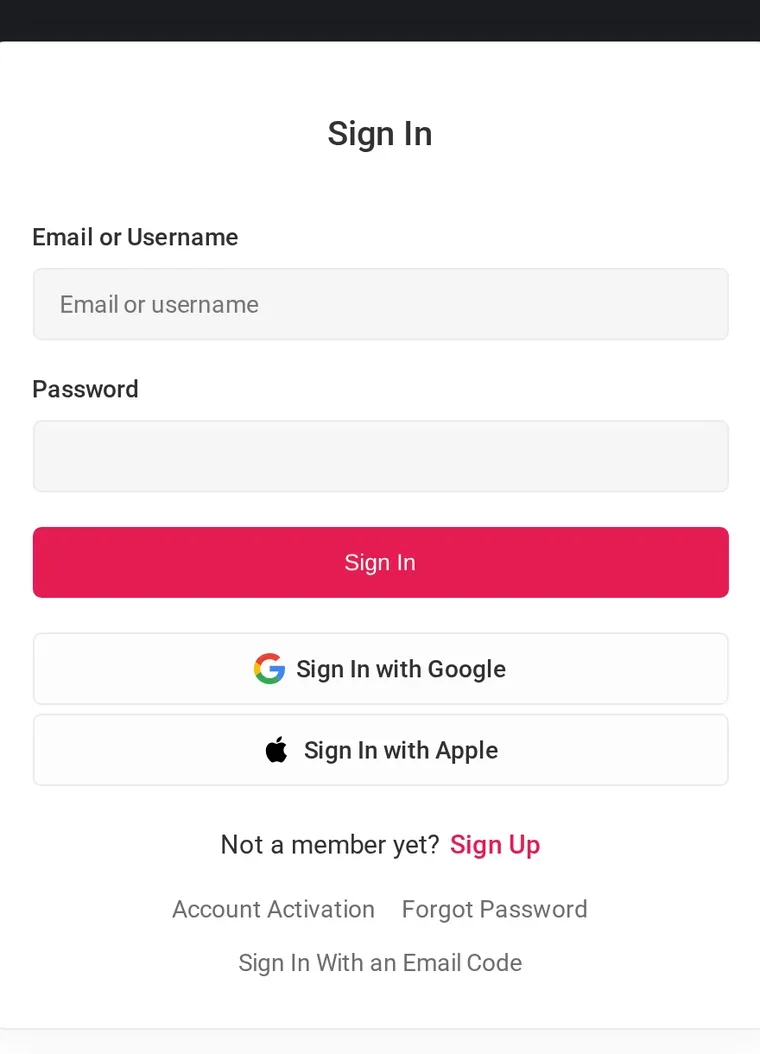
You do not need to remember a password. Sign in with your Google or Apple account, or with a one-time code sent to your email.
- Fingerprint or Face
- Two-Factor Authentication
- Backup Codes
Added November 2026Biometric Sign-In With Passkeys
Sign in with your fingerprint or face on kreosus.com and in the apps. On iOS it arrives with the next store release. We ask for a second check before you turn off two-factor authentication or renew backup codes.
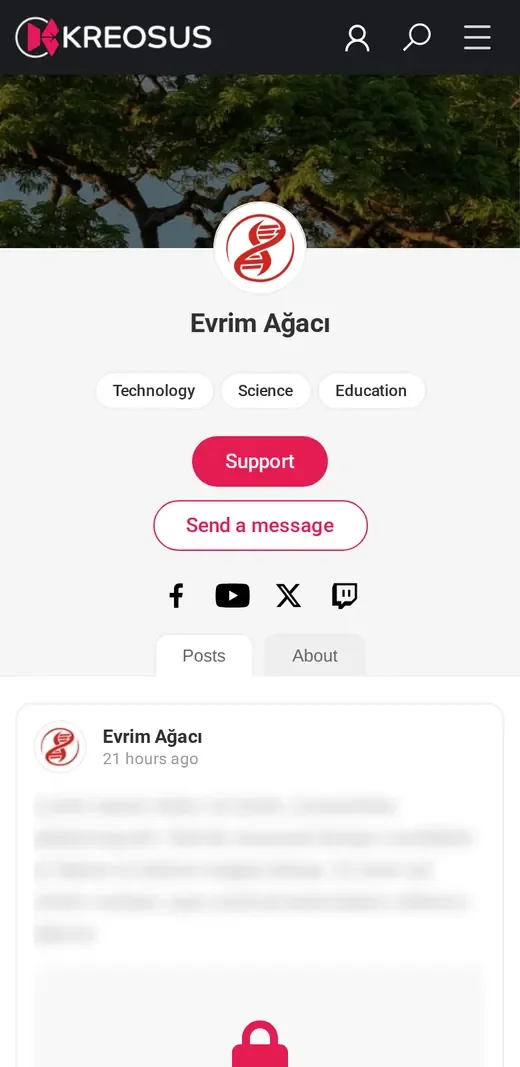
The Same Page on Your Phone
Creator pages open completely on the phone. Tiers, posts and the support button are arranged for the small screen.
Kreosus in numbers
97%of payouts sent within 24 hoursLast 90 days, as of 15 Nov 2026
22creator profiles use the OBS overlaysAs of 15 Nov 2026
Shipped in the last six months
Features we added in the last six months, newest first. Detailed announcements are on the What's New page.
October 20264 features
One-Time Support No Longer Needs an Account
Your supporters can now finish a one-time payment with only their email address. There is no account or password step.
Read on the What's New pageAdd a Support Badge and Button to Your Site
Put a support badge on your site, blog or README. One line of code also adds a support button or a card.
Read on the What's New pageProfile Views Are Now in Statistics
The Statistics page has a new Traffic section. It shows how many times your profile and its tabs were opened.
Read on the What's New pageWe Can Now Create Your Payout Request for You
When your balance reaches an amount you set, or on a day of the month you pick, we create a payout request for your full balance.
Read on the What's New page
Open your page and start receiving support
All commission rates and fees are on the Advantages and Prices page.